How to Build a Content Calendar from Customer Questions
Turn support tickets, sales calls, and search queries into a weekly content plan.
Find search opportunities, create ranking content, and make your brand easier to discover when buyers look for solutions on Google.
Start FreeTurn support tickets, sales calls, and search queries into a weekly content plan.
Structure product pages with benefits, ingredients, FAQs, and comparison intent.
Compare tools that turn brand context into repeatable content workflows.
Build pages around treatments, neighborhoods, reviews, and patient questions.
Create follow-up sequences that answer objections and move buyers forward.
Plan TikTok, Reels, and Shorts publishing around audience behavior and tests.
Use clear answers, examples, and evidence blocks that help readers move forward.
Prioritize pages that explain the product, capture comparison intent, and answer buying questions.
Turn support tickets, sales calls, and search queries into a weekly content plan.
Structure product pages with benefits, ingredients, FAQs, and comparison intent.
Compare tools that turn brand context into repeatable content workflows.
Build pages around treatments, neighborhoods, reviews, and patient questions.
Create follow-up sequences that answer objections and move buyers forward.
Plan TikTok, Reels, and Shorts publishing around audience behavior and tests.
Use clear answers, examples, and evidence blocks that help readers move forward.
Prioritize pages that explain the product, capture comparison intent, and answer buying questions.
Turn support tickets, sales calls, and search queries into a weekly content plan.
Structure product pages with benefits, ingredients, FAQs, and comparison intent.
Compare tools that turn brand context into repeatable content workflows.
Build pages around treatments, neighborhoods, reviews, and patient questions.
Create follow-up sequences that answer objections and move buyers forward.
Plan TikTok, Reels, and Shorts publishing around audience behavior and tests.
Use clear answers, examples, and evidence blocks that help readers move forward.
Prioritize pages that explain the product, capture comparison intent, and answer buying questions.
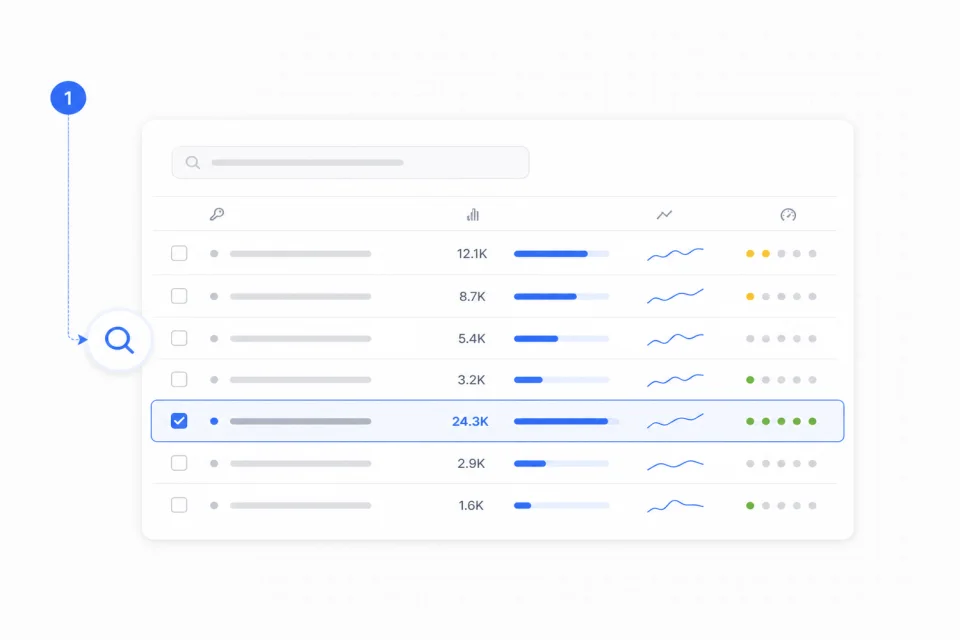
Reid expands seed keywords into long-tail queries, then evaluates search volume, target market, and KD to identify topics with clear intent and achievable ranking potential.
Fetra connects keywords, page types, content priority, and refresh plans so SEO becomes a growth system, not another spreadsheet.
Rank topics by intent, difficulty, traffic potential, and business value so your team knows what matters now.
Turn each topic into a page plan with angle, structure, FAQ ideas, and internal-link direction.
Continuously find new topics, supporting pages, and older content that should be refreshed.
Fetra finds the high-intent keywords your buyers ask, then writes and publishes daily content to your site so your brand keeps showing up across Google, ChatGPT, and AI search answers.


1. Review keyword opportunities
Check keywords, long-tail terms, volume, country, and KD.

2. Approve the topic queue
Choose topics. Reid prepares briefs and drafts.

3. Publish, refresh, and grow
Publish daily search content and refresh pages gaining traction.
Fetra starts from your website, products, audience, competitors, and seed keywords. It then groups related searches by intent, volume, difficulty, and business value so you can publish the pages most likely to matter.
Yes. Start with your current pages and brand context, then use Fetra to find gaps, draft new content, and suggest updates.
Yes. Fetra is designed around reviewable drafts, briefs, and refresh tasks. You can approve topics, edit copy, and decide what gets published.
No. It can help with blog articles, comparison pages, product education pages, FAQ sections, landing-page copy, and refresh plans for existing content.
Yes. It can identify outdated pages, suggest stronger titles, add missing sections, expand internal links, and prepare refresh tasks around important keyword clusters.